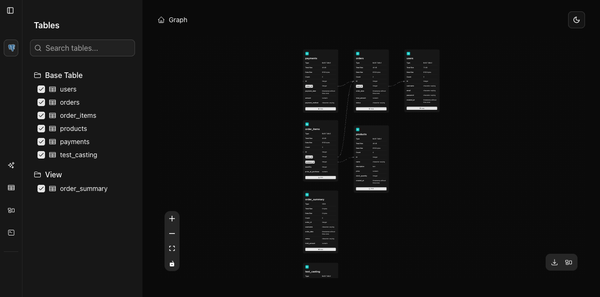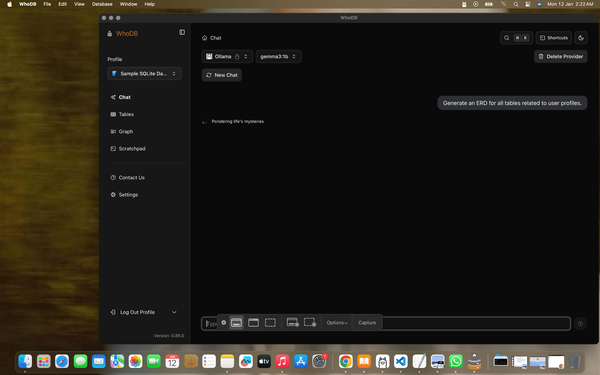
Your Database Management UI Should Live with Your Code


Every developer has seen it: a new teammate joins, clones the repo, runs docker compose up and then stops.
They still need to install and configure a database client just to see a single table.
That friction adds up. Different people use different tools, connection strings float around in Slack, and local setups drift over time. We version-control our code, dependencies, and infra. But our core tools? Still manual.
The Better Way: Treat Your UI as a Dev Dependency
Your database management UI should be as portable as your app. That is why you can now run WhoDB directly inside your docker-compose.yml, so everyone gets the same setup with a single command.
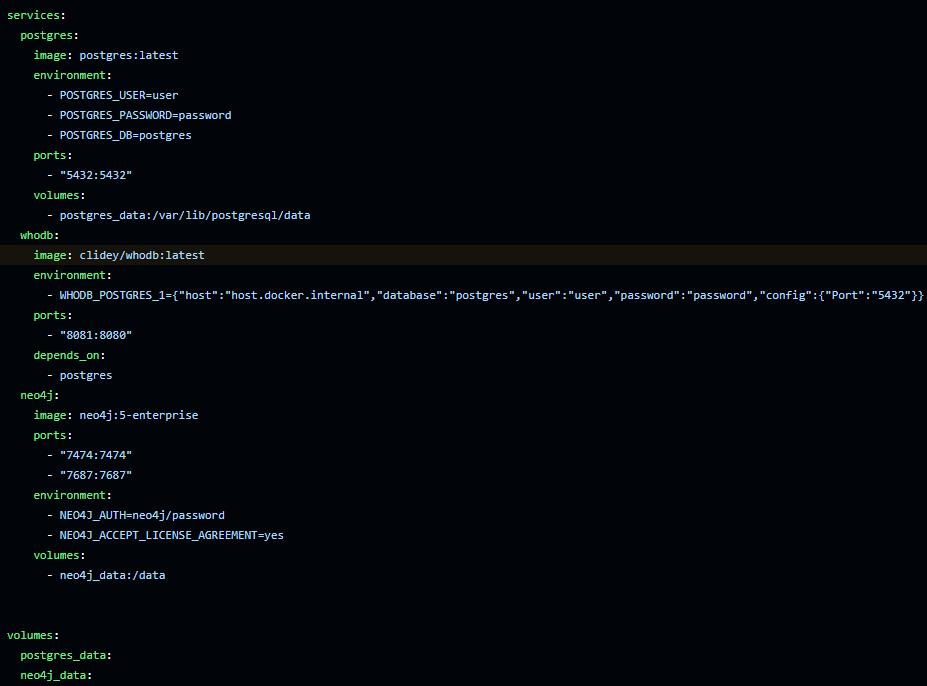
Run docker compose up, head to http://localhost:8080, and you’re ready to go. No extra installations, no extra config.
Want to take it further? Preconfigure team-wide connection environment variables as seen in the screenshot above
Now, every teammate has an identical, preconfigured database GUI from day one.
Why It Matters
This small shift changes onboarding and consistency for the better. By version-controlling your tools, you remove setup friction, eliminate config drift, and make collaboration effortless.
Start building faster with WhoDB. 🚀