How WhoDB Completed the Database Experience for a Security Platform
A privileged access management company had enterprise-grade security. Secure access is only half the job. The other half is making sure people can actually use it. Their database UX told a different story.

The Context
One of our clients built a privileged access management platform for enterprises. Their core product lets teams securely store database credentials and open live connections directly from within the platform. Credentials weren't being passed around in Slack or stored unsafely. Access was controlled, audited, and secure.
That part worked well. What came after it didn't.
The Problem
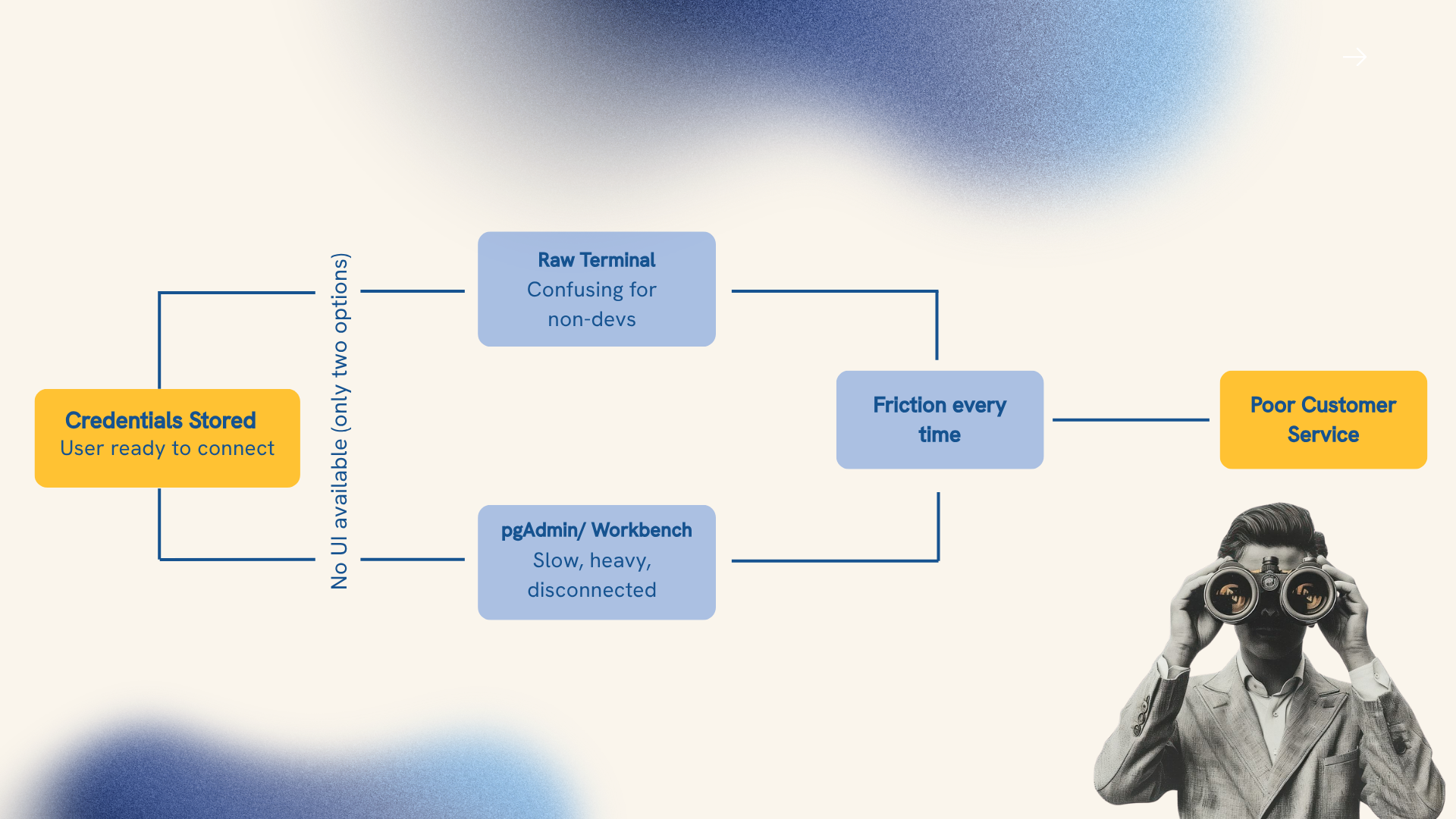
Once a user had their credentials stored and was ready to connect to a database, there was no dedicated interface to actually do it. The client's platform had no built-in database UI, which meant their customers had to rely on whatever they could patch together outside the product.
What They Tried Before
The client had two workarounds, and neither was built for this.
- A raw terminal, functional for developers, but alienating for anyone without a technical background
- Desktop apps like pgAdmin or MySQL Workbench, capable in isolation, but desktop-only, slow to load, and completely disconnected from the client's platform
Not everyone connecting to a database is a developer. Finance teams, operations managers, and account leads all need to query data regularly, and the tools available to them weren't built with those users in mind. The gap between "credentials stored" and "data on screen" was painful. Their enterprise customers felt it every time.
Bringing in WhoDB
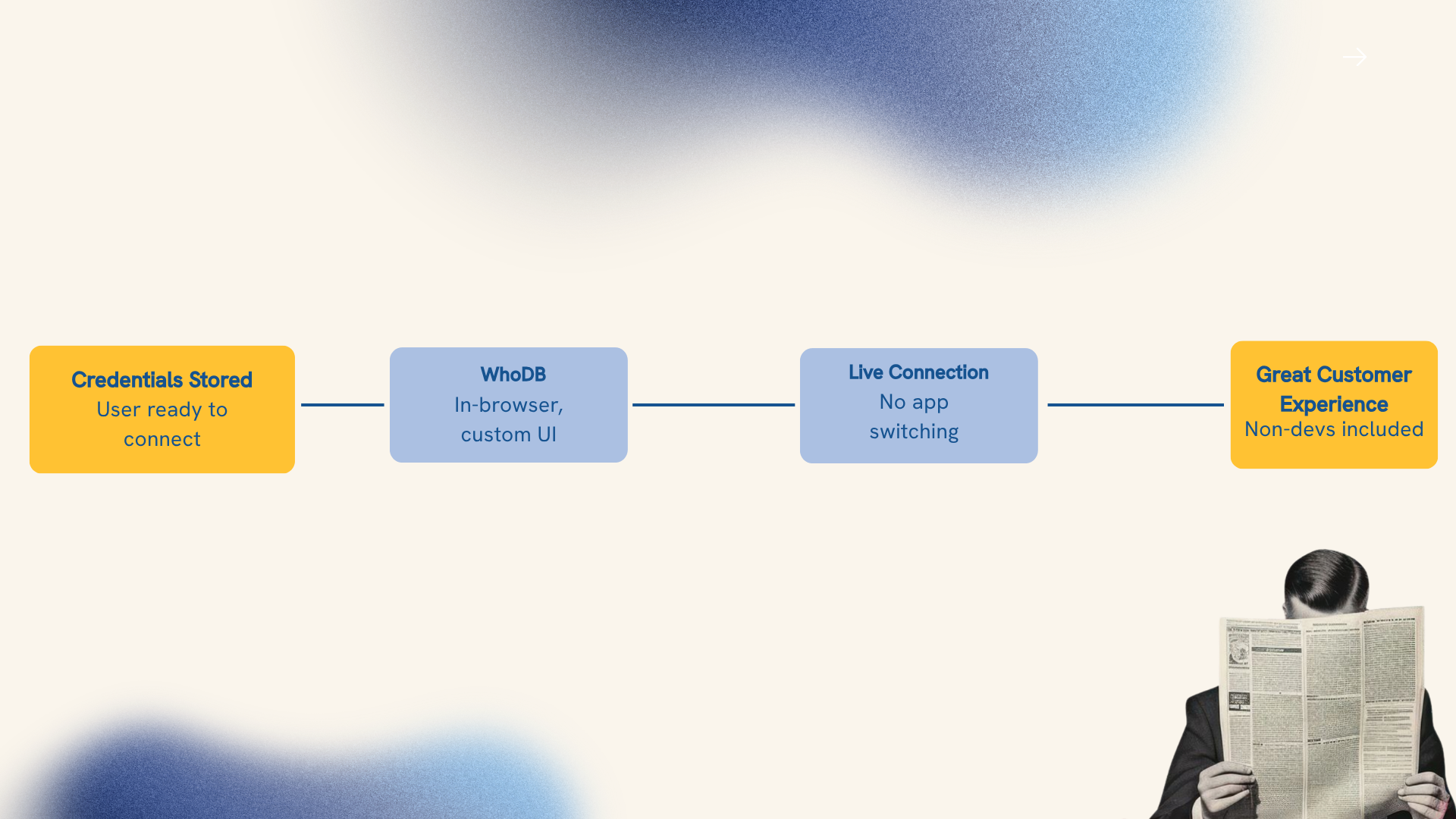
WhoDB integrated directly into the client's platform as a browser-based database UI. No separate application, no manual connection setup, no switching between tools. A user going from stored credential to live database connection did it entirely within the browser inside the platform they already knew.
The integration was built around the client's specific workflows, user types, and database environments. Full-custom theming meant it looked and felt like a native part of the product, not something added on from the outside. To our clients' customers, it was just another natural extension to the system they were already used to.
What Teams Could Actually Do
Once WhoDB was in place, the client's customers could:
- Open a live database connection directly from within the platform, without leaving the browser
- Query across Postgres, MySQL, and other database types through one consistent interface
- Give non-technical users access to database connections without any documentation or training
- Move faster, with better navigation, faster load times, and cleaner query flows built in
What Else WhoDB Brought to the Table
WhoDB delivered one unified interface across every database type the client's customers worked with. Whether a user was connecting to Postgres, MySQL, or something else, the experience was identical. For enterprise teams working across multiple database environments, that consistency reduced confusion and saved real time.
The product was also built to be used by people, not just configured by engineers. Navigation, load times, query flows — these were treated as part of the product, not afterthoughts. That's what made it usable for non-technical users without any onboarding.